
Top Page > Copy/ Document Server > Specifying the Settings for Originals > LT/LG Mixed Sizes  (mainly North America)
 Previous
When copying 81/2 × 11 and 81/2 × 14 mixed size originals, the machine automatically selects a paper size that matches the size of the original.
You can use this function when copying at 100% from the ADF.
Depending on your model and which options are installed on it, this function might not be available. For details, see "Functions Requiring Optional Configurations", Getting Started.

You cannot use the bypass tray with this function.
Load 81/2 × 11 and 81/2 × 14 size paper into the paper trays beforehand.
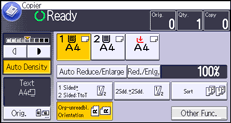
 Press [Orig.].
 Press [
 ].
].
 Press [LT/LG Mixed Sizes], and then press [OK].
 Select a paper tray that contains either 81/2 × 11 and 81/2 × 14 size paper.
 Place the originals in the ADF, and then press the [Start] key.

When using this function with 1 Sided
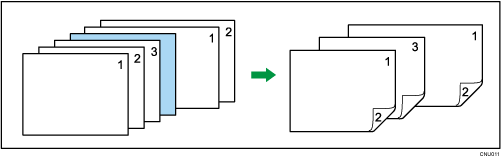
 2 Sided mode, always ensure that the originals of each size are in even numbers. If you have an odd number of originals, insert blank sheets to adjust the total.