


 Previous
Adjusts the background density of an image.
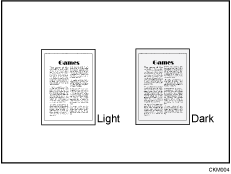
 Adjust the image quality by pressing [Lighter] or [Darker].
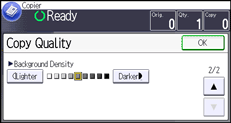
 Press [OK].

Adjustments should be made lighter when copying dark textured originals, such as newspaper or recycled paper.
For details about how to adjust the copy quality, see Image Adjustment
 .
.


