


 Previous
Copies a scanned image as a stamp.
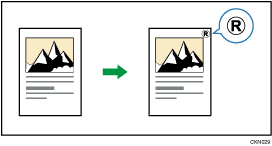
Letters or images you use frequently can be registered as a user stamp. For details about how to register a user stamp, see Registering a user stamp .
.

You cannot use the bypass tray with this function.
Only one message can be stamped each time.
 Press [Edit / Stamp].
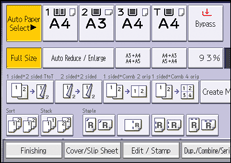
 Press [Stamp].
 Press [User Stamp].
 Select the stamp you require.
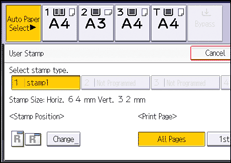
 Press [Change].
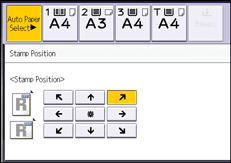
 Select the stamp position, and then press [OK].
 Press [All Pages] or [1st Page Only] to select the print page.
 Press [OK] twice.

For details, see Stamps
.You can change the settings for User Stamp under [User Stamp] in User Tools. For details, see User Stamp
.


