


 Previous
 Display the Extended Feature Settings screen.
 Press [Extended Feature Info].
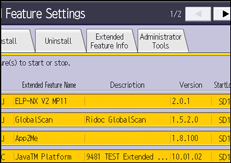
 Select the extended feature whose details you want to view.
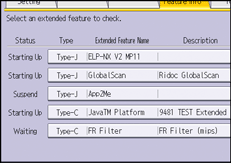
 Confirm the details.
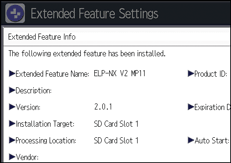
"Auto Start" settings can be enabled on this screen if Type-J extended features are activated.
 Press [Exit] twice.

For details about how to display the Extended Feature Settings screen, see Displaying and Quitting the Extended Feature Settings on the Control Panel
 .
.For details about how to specify "Auto Start" for extended features, see Setting Auto Start from the Control Panel
.


